Networks and convergence
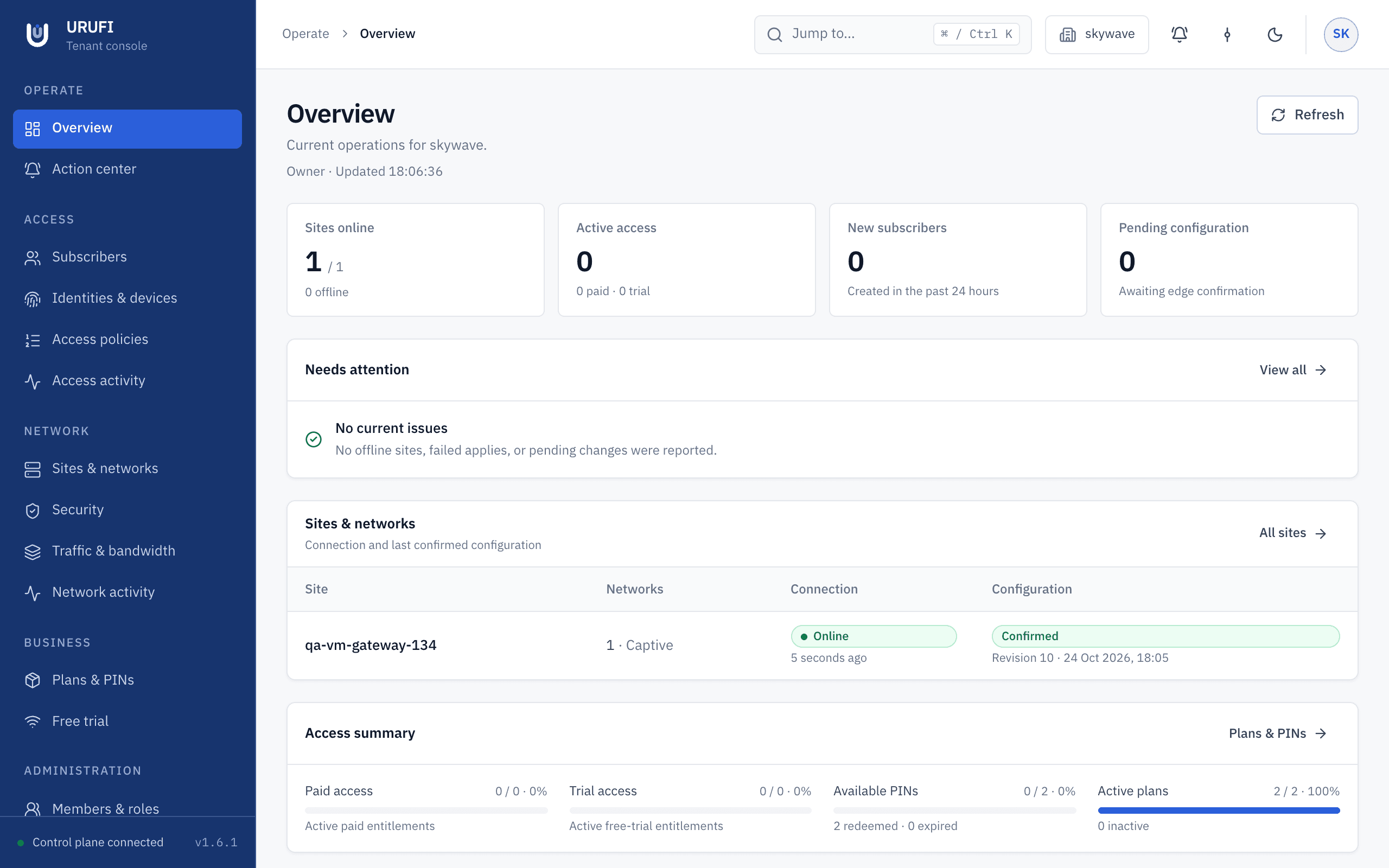
VLANs, addressing, DHCP, MTU, and whether the requested revision reached the gateway.
Manage firewall rules, bandwidth, VLANs, DHCP, and device access across every site. URUFI applies policy directly on your Linux gateways.
Three questions decide how every client is treated. URUFI answers all three in one system.
An account, device, plan, trial, PIN, or certificate becomes an authorization with an expiry time.
Firewall rules, bandwidth tiers, VLAN membership, and addressing move together as one versioned change.
The Linux gateway in the traffic path applies the change, verifies the result, and keeps enforcing it on its own.
One console, two areas: network operations, and the business side that grants access.

VLANs, addressing, DHCP, MTU, and whether the requested revision reached the gateway.

Reusable upload and download tiers, joined to the firewall policy that travels with them.

Active access, paid accounts, trials, and unredeemed PINs — without network configuration in view.

Per-organization logo, colours, wording, and support details, previewed before publishing.
Each pillar is a complete area of the platform, not a single feature.
Decide who reaches the network and for how long. Authorization ends when the entitlement does.
CoversDefine how each site is addressed and segmented, and keep those settings reviewable in one place.
CoversBuild firewall and bandwidth policy once as reusable objects, then apply them wherever they belong.
CoversThe Edge Agent checks each change against local conditions before it touches the kernel, and the site keeps running if the platform goes away.
CoversAuthor network, access, and security policy centrally in the console.
URUFI sends the desired state to the gateway that owns the site, over an authenticated channel.
The Edge Agent validates it, applies it as one transaction, and reports the exact revision it now runs.
Client traffic never traverses the URUFI control plane. The Linux gateway forwards it locally, so a platform outage cannot interrupt a site that is already configured.
Explore the architectureURUFI did not invent DHCP, firewalling, shaping, or certificate identity. The difference is that identity, access rights, addressing, policy, and enforcement stop living in seven systems that never quite agree — an identity store, a RADIUS server, a firewall config, a DHCP server, a shaping script, a captive portal, and a customer database.
Both modes use the same Edge Agent and the same console. Only the location of the central services changes.
We operate and update the central platform. You manage sites and policy.
Run the central platform inside your own infrastructure when placement matters.
Access can arrive through an access point, a wired port, or a VLAN. URUFI owns the decision and the policy behind it either way.
Run many customer organizations and edge locations from one console with isolated data.
Protect customer sites centrally without shipping another proprietary appliance to every location.
Keep VLANs, DHCP, gateways, DNS, and MTU in one configuration your team can review.
Run VLANs, DHCP, firewall rules, bandwidth, and access expiry on your own hardware before you scale.
No. URUFI manages network access and policy. Wi-Fi and captive access are one access environment it supports, alongside firewall rules, bandwidth control, VLANs, DHCP, wired clients, and per-device identity.
No. URUFI runs on the Linux gateway in the traffic path and manages access and policy there. Your existing switches, access points, and wireless controllers keep operating as they do now.
The site keeps running its last validated configuration. Unexpired leases, firewall rules, bandwidth policy, and existing authorizations continue, and the Edge Agent reconnects on its own. New changes and new captive sessions wait for the connection to return — nothing is deleted.
Yes. The central platform can run on your own infrastructure, verified by a signed licence that does not need a permanent connection, using the same Edge Agent and console as URUFI Cloud.
Start on one gateway, or talk to us about a multi-site deployment first.