
Where URUFI fits.
Three common ways teams use URUFI. Each keeps the existing switches and access points in place.
Multi-site IT
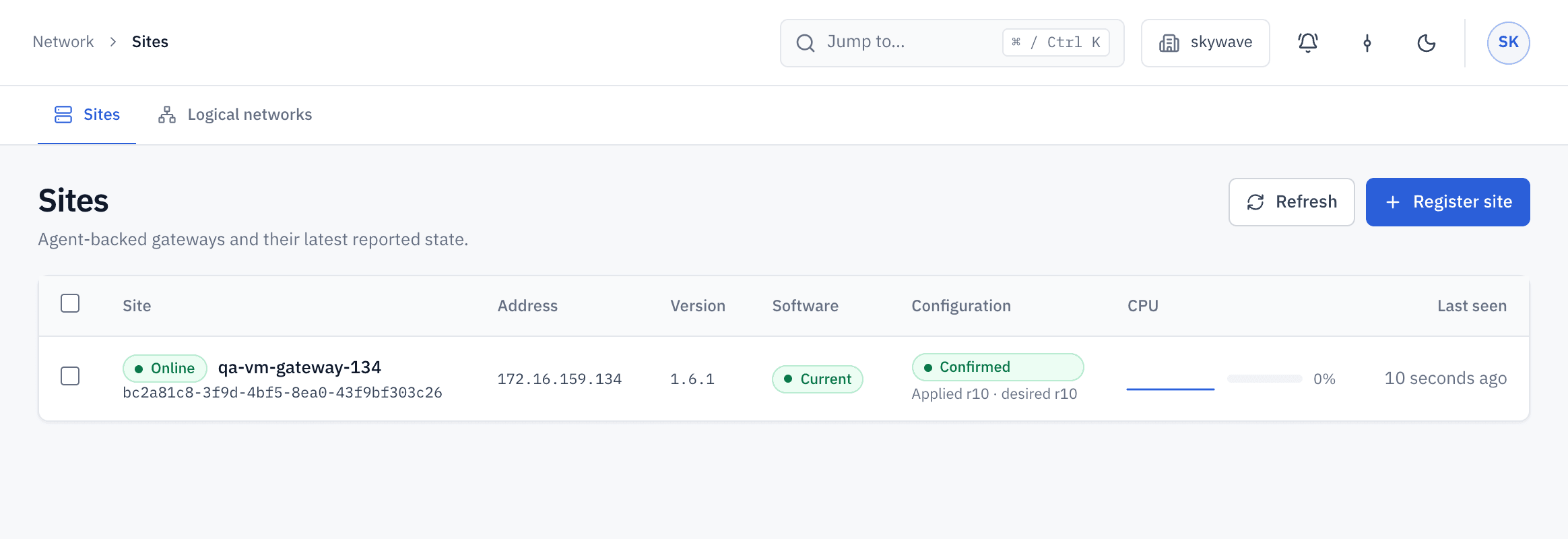
Keep every branch on the same rules.
Branches drift apart when each one is configured by hand.
- Define networks, policy and bandwidth once in one Console.
- See which sites applied each change, and which are pending or failed.
- A failed change leaves the last known good configuration running.
Service providers
Run each customer as its own workspace.
Customer networks must stay separate while one team operates them.
- Each workspace has its own sites, networks, policies, plans and portal.
- Switch between workspaces from one sign-in, with roles per workspace.
- Cloud covers one workspace per plan; self-hosted licenses include several.
Workspaces
| Workspace | Your role | Sites |
|---|---|---|
| Customer A | Owner | 4 |
| Customer B | Network operator | 2 |
| Customer C | Viewer | 1 |
Guest and subscriber networks
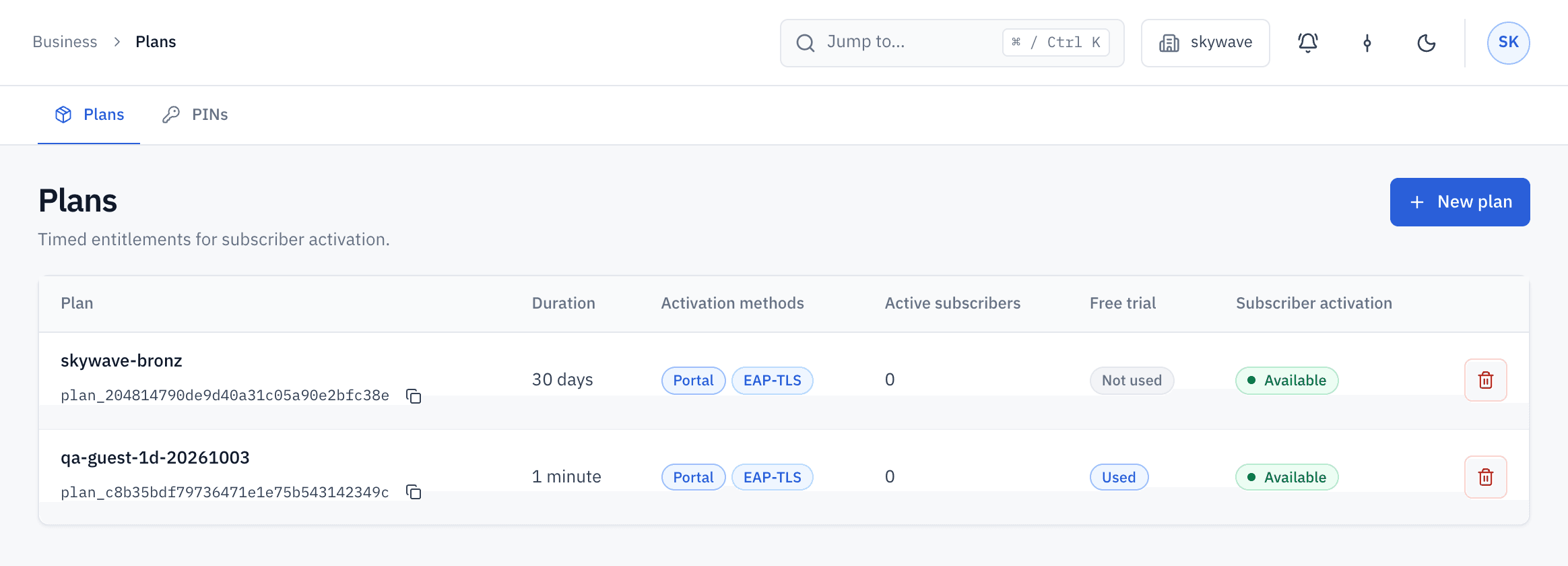
Give every guest an account and an end time.
Shared passwords and paper vouchers do not show who is connected or when access should end.
- A branded portal in Arabic and English.
- Plans activated by PIN cards or an optional free trial.
- Per-device bandwidth set by service class.
Keep your switches and access points.
URUFI works at the gateway, so the rest of the network stays as it is.
- Access points bridge clients to the gateway's LAN, without a second NAT or DHCP server.
- Separate networks reach the gateway as VLANs.
- Certificate access needs WPA2 or WPA3-Enterprise and the access point added as a RADIUS client.
- URUFI does not manage radios, SSIDs or switch ports.
Start with one site.
Try URUFI Cloud free on one gateway, with no credit card. Prepare the gateway with the installation guide.