

Compose service classes
Create reusable traffic treatment and select it from an access policy.
A service class is the technical treatment assigned to an authorized client. It can select one bandwidth profile, and firewall rules can target the class. It does not carry a price, duration, VLAN, DHCP pool, or permission to access the network.
1. Create the class
Select the business, open Network → Traffic & bandwidth, then select New service class.
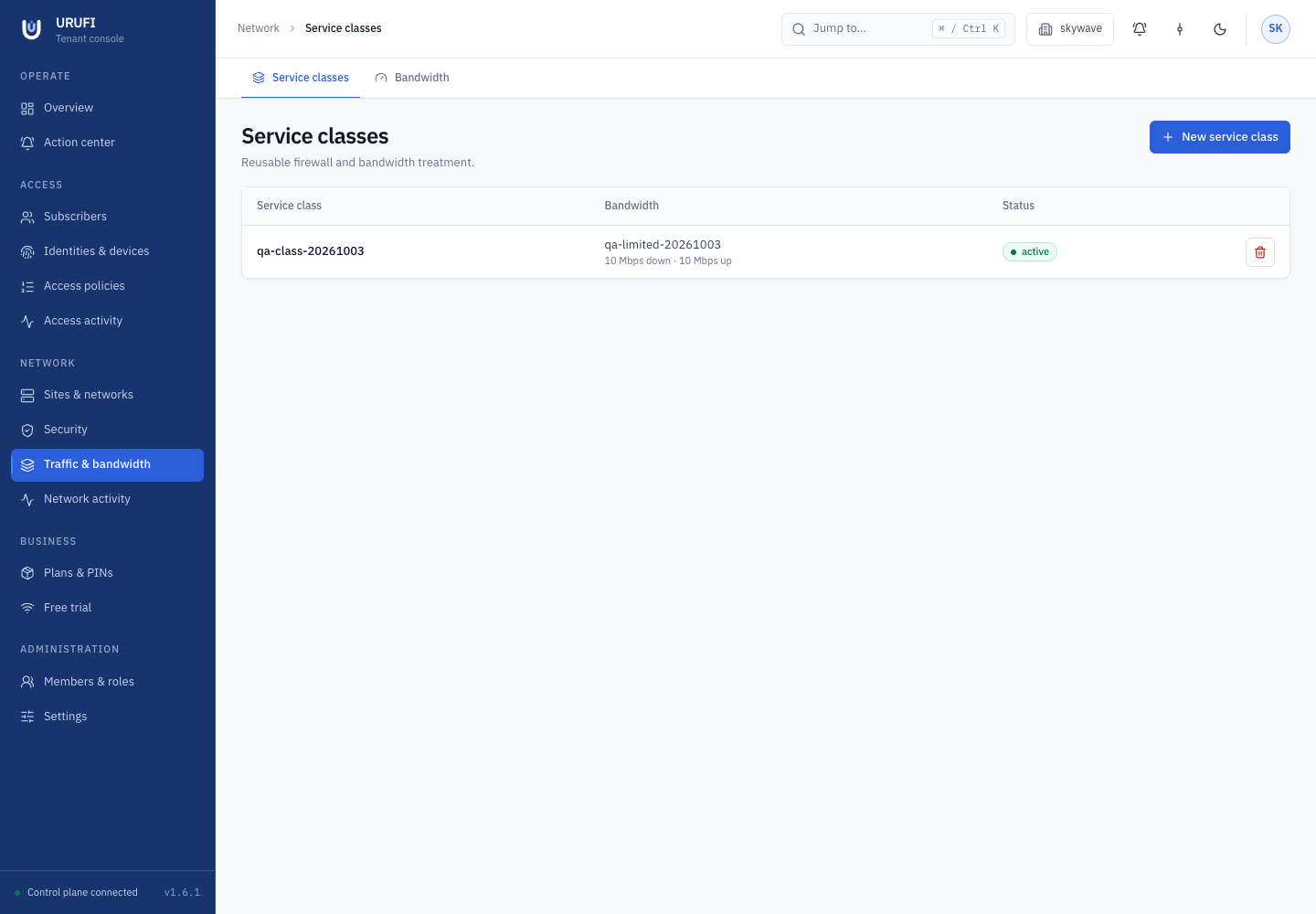
- Enter a clear technical Name, such as
Guest Basic,Staff, orIoT restricted. - Choose a Bandwidth profile, or leave it Unshaped.
- Leave Available on when new access policies may select the class.
- Select Create.
Create the bandwidth profile first when the class needs a rate limit.
2. Add class-specific filtering when needed
Open Network → Security, select Firewall rules, and create the required rule. In Service class, select this class instead of All clients.
Class scope lets two clients on the same subnet receive different filtering without changing their VLAN or DHCP lease. Firewall order remains global, so create and reorder rules on the Firewall page.
3. Select the class from policy
Open Access → Access policies and create or edit an Allow rule. Match the intended identity, device, authentication method, network, and optional commercial plan, then select this class under Service class.
This separation is deliberate:
- the access policy is the only authority that allows a client and selects its class;
- the service class describes technical treatment only;
- a commercial plan is optional policy context, not a requirement for staff or devices;
- changing the class does not move the client to another pool or force a new DHCP lease;
- the Edge Agent receives effective technical policy, not pricing data.
4. Validate end to end
Connect one client that should receive the class, then verify:
- Network → Network activity shows the expected network, address, and device.
- Access → Access activity shows the expected matched policy and service class.
- Delivery says Applied by edge.
- A class-scoped firewall rule affects this client but not a control client in another class.
tcshows the intended download and upload classes when bandwidth is attached.
Also test a client that should not match. A broad rule above the intended rule can apply the wrong class even when every object is configured correctly.
Availability and deletion
Turn Available off to stop new policies from selecting the class while preserving its record. Deletion is blocked while access policy, firewall, authorization history, or rollout compatibility references remain. Release those references deliberately instead of leaving orphaned policy.
Do not turn DHCP pools into service tiers
DHCP allocates before captive login knows an entitlement. Keep addressing tied to the physical network and let access policy assign the service class after identity and context are known.
Continue with access policies or add class-scoped firewall rules.