

Operate URUFI
A practical path from an enrolled site to policy-controlled client access.
URUFI keeps network intent in the control plane and enforces it on the Linux gateway at each site. Client traffic stays local. If the control plane is temporarily unavailable, the Edge Agent continues using its last known good state.
These guides follow the labels in the Console. Select the business you want to operate before opening a page under Access or Network.
How the system reaches a site
Client packets remain on the site data path. The control plane distributes intent and receives operational status; it is not an internet transit path.
The operating model
The main authorization flow is:
Each object has one job:
| Object | Where to manage it | What it controls |
|---|---|---|
| Site and agent | Network → Sites & networks | The enrolled gateway and its runtime services |
| Network | Network → Sites & networks → Logical networks | Native/VLAN attachment, addresses, DHCP, MTU, DNS, and access mode |
| Identity and device | Access → Identities & devices | Who or what is connecting |
| Access policy | Access → Access policies | The authorization decision, treatment, and optional session limit |
| Bandwidth profile | Network → Traffic & bandwidth → Bandwidth | Reusable download and upload ceilings |
| Service class | Network → Traffic & bandwidth → Service classes | Optional bandwidth plus class-scoped firewall treatment |
| Firewall | Network → Security | Ordered packet filtering and pre-login exceptions |
| Plan | Business → Plans & PINs | Optional paid, PIN, or trial entitlement used as policy context |
A commercial plan never grants network access by itself. It is an optional condition in an access policy. Staff, enterprise identities, and managed devices can be authorized without a plan.
First site checklist
- Install and enroll the Edge Agent.
- Enable the required edge services.
- Create and activate the site's networks.
- Create identities or devices under Access when the policy must target them.
- Optionally create a bandwidth profile and service class.
- Create the access policies, with narrow rules above broad rules.
- Add firewall rules only when the site needs filtering beyond the managed system policy.
- Connect one test device and verify both an allowed case and a denied case before onboarding the site.
Know when a change is complete
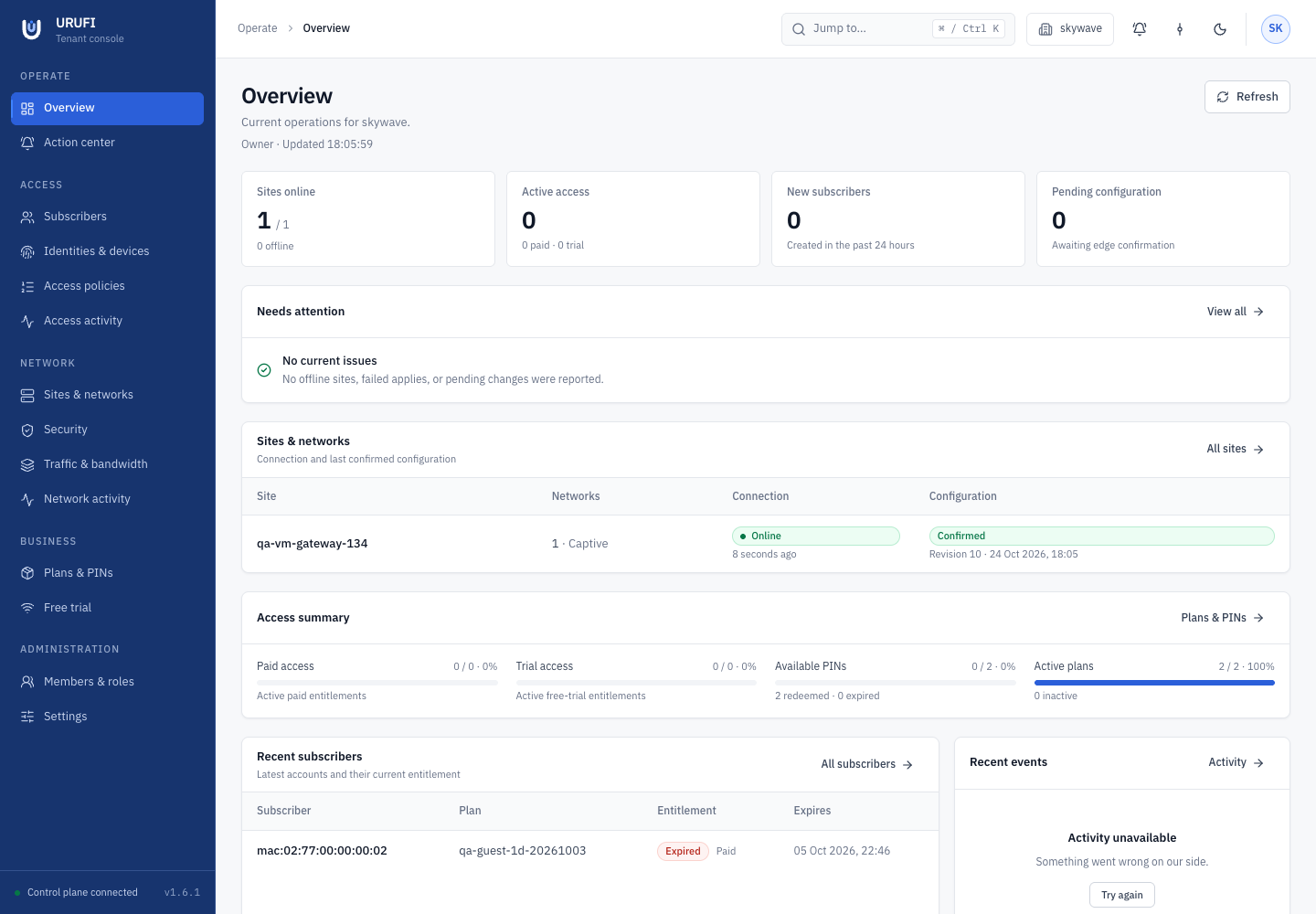
Saving a form creates desired state. The change is complete only after the Edge Agent applies and verifies it.
| Status | Meaning |
|---|---|
| Pending | The desired state has not yet been acknowledged by the site |
| Failed | The candidate was rejected; the previous good state remains active |
| Confirmed | Desired and applied revision and checksum match |
Use Confirmed as the completion condition for network changes. For access decisions, open Access → Access activity and check the matched policy, service class, expiry, and delivery status.
What continues during an outage
The Edge Agent restores its verified last known good network, leases, firewall, authorization, and shaping state at boot. Existing local enforcement continues during a temporary Manager connection failure. New portal sessions and central policy changes wait until connectivity returns, then a complete current snapshot repairs any drift.
Keep network, policy, and commerce separate
A DHCP pool says where a device connected. A policy says whether it may connect. A service class says how its traffic is treated. A commercial plan is optional entitlement context. Do not use separate DHCP pools as subscription tiers.
The documentation uses English UI terms so field names, commands, errors, and support procedures remain consistent across deployments.